Movie Auralisation examples 
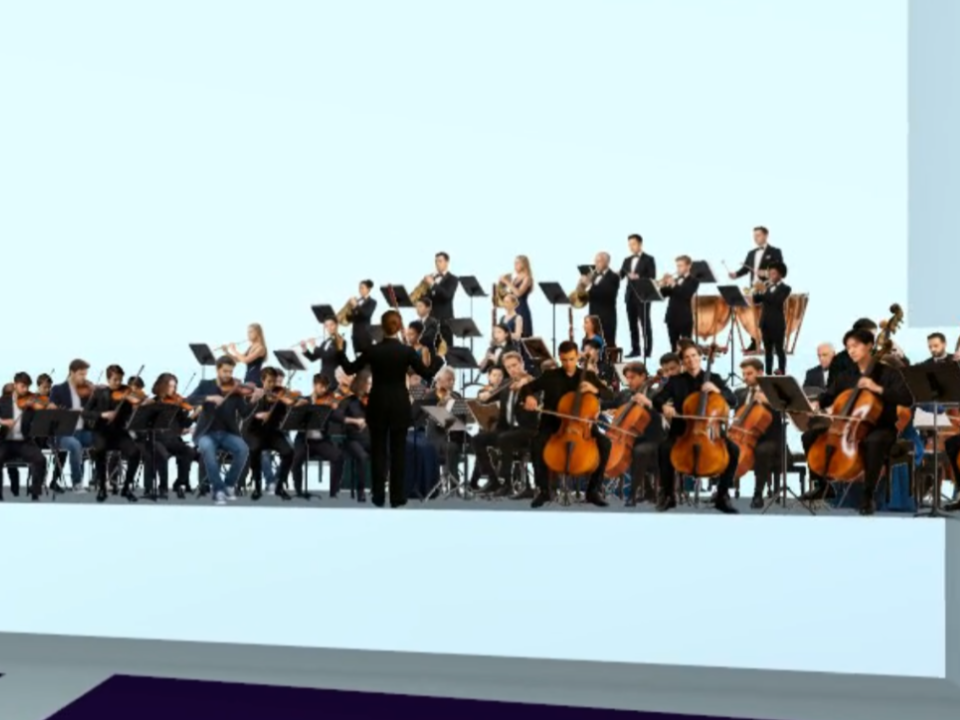
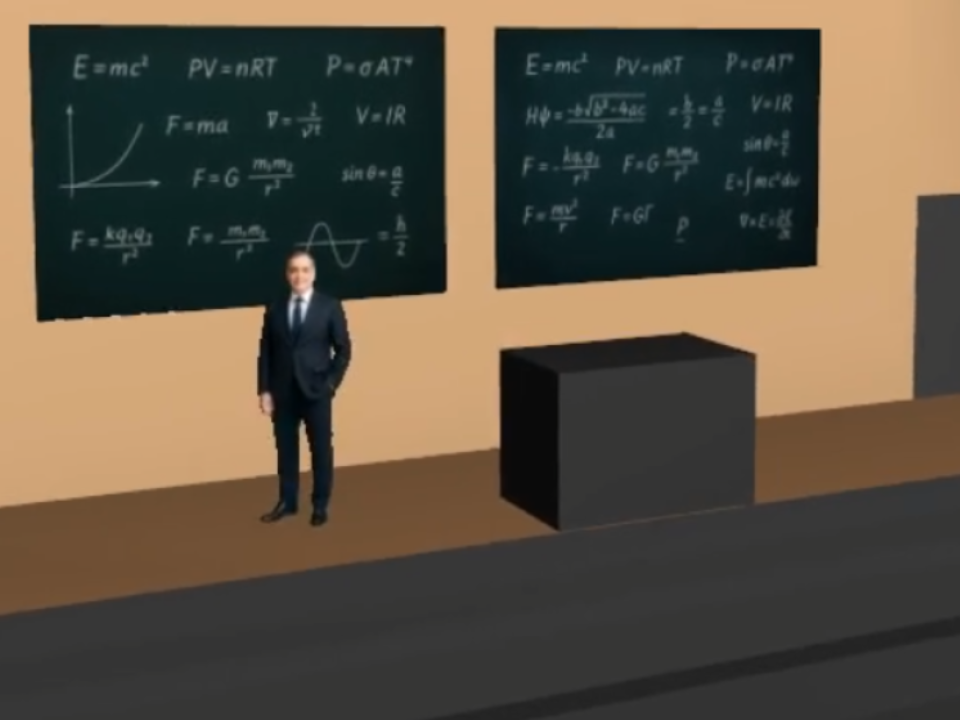
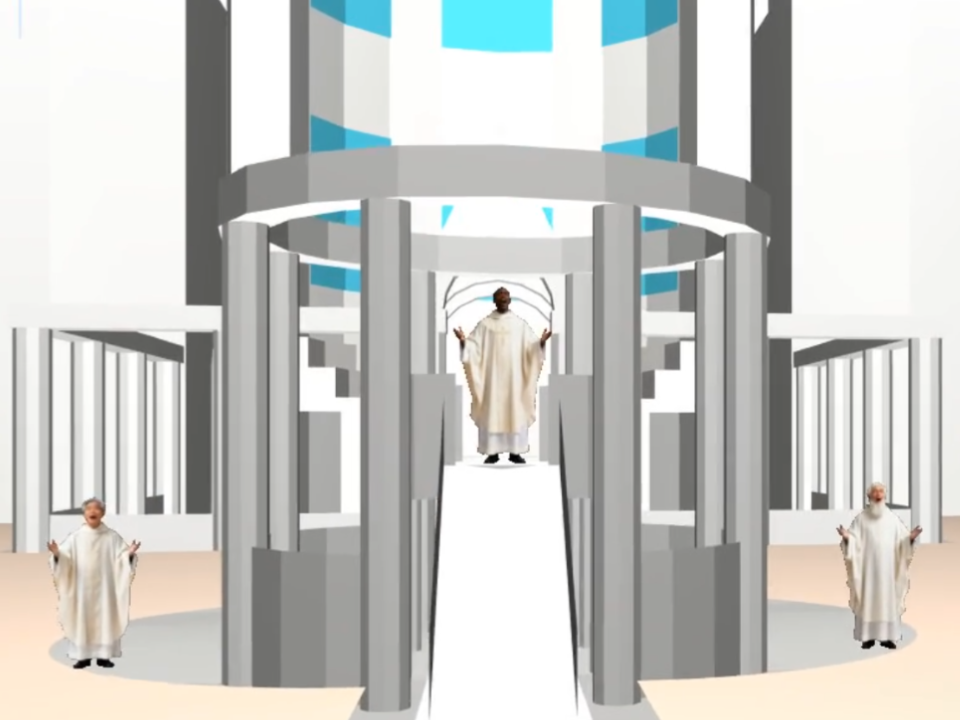
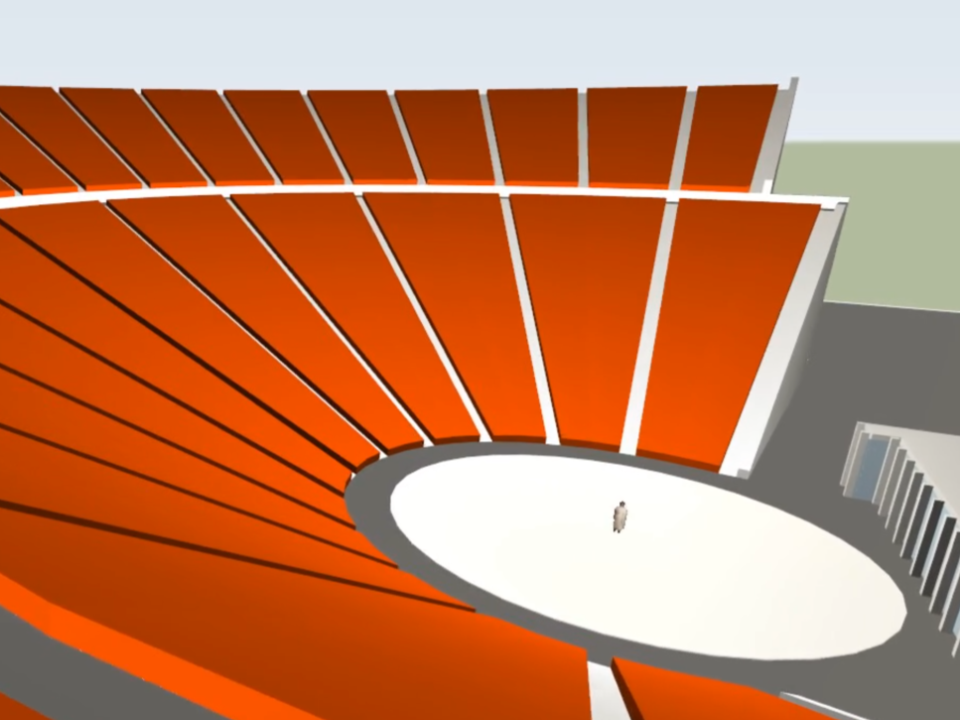
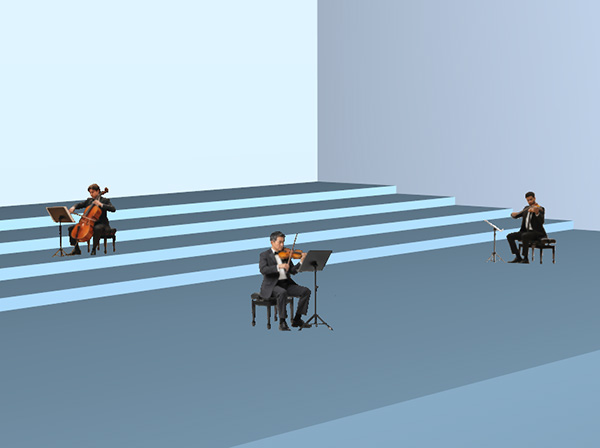
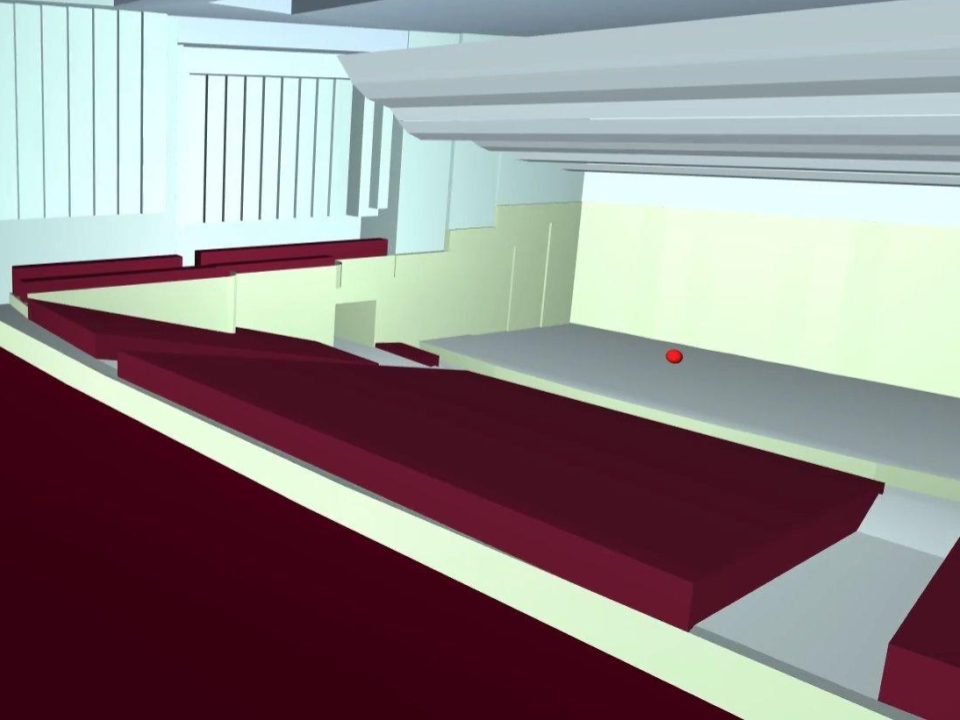
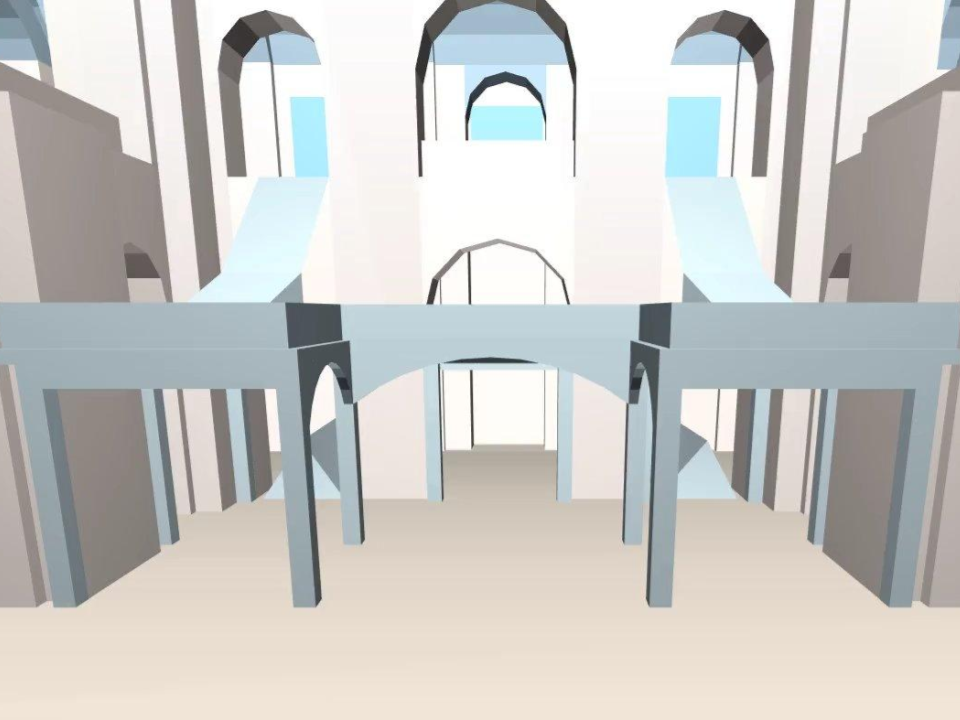
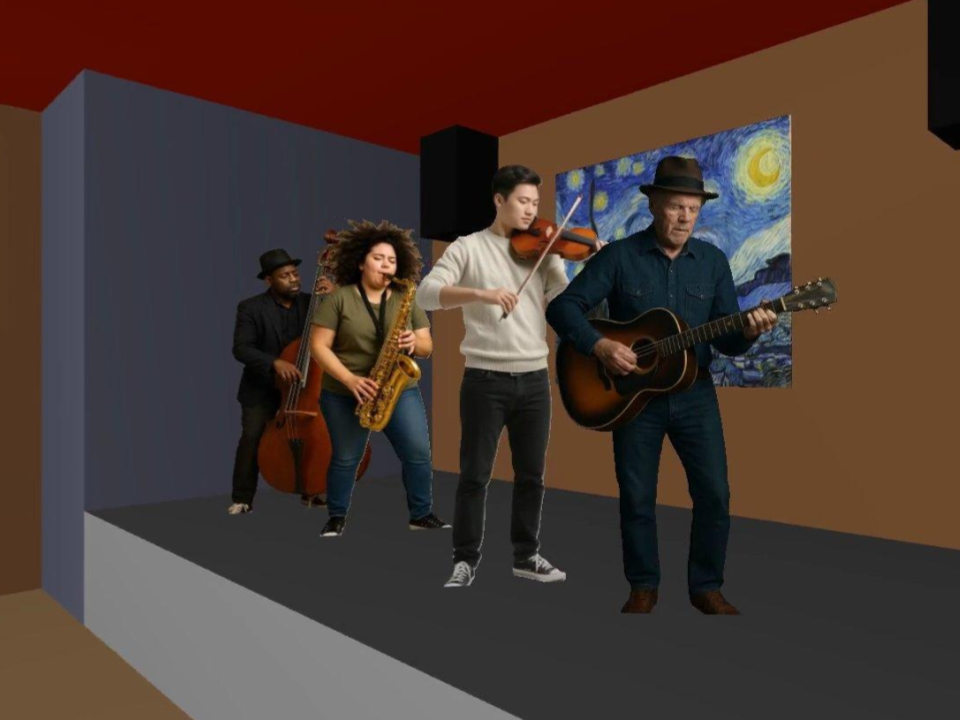
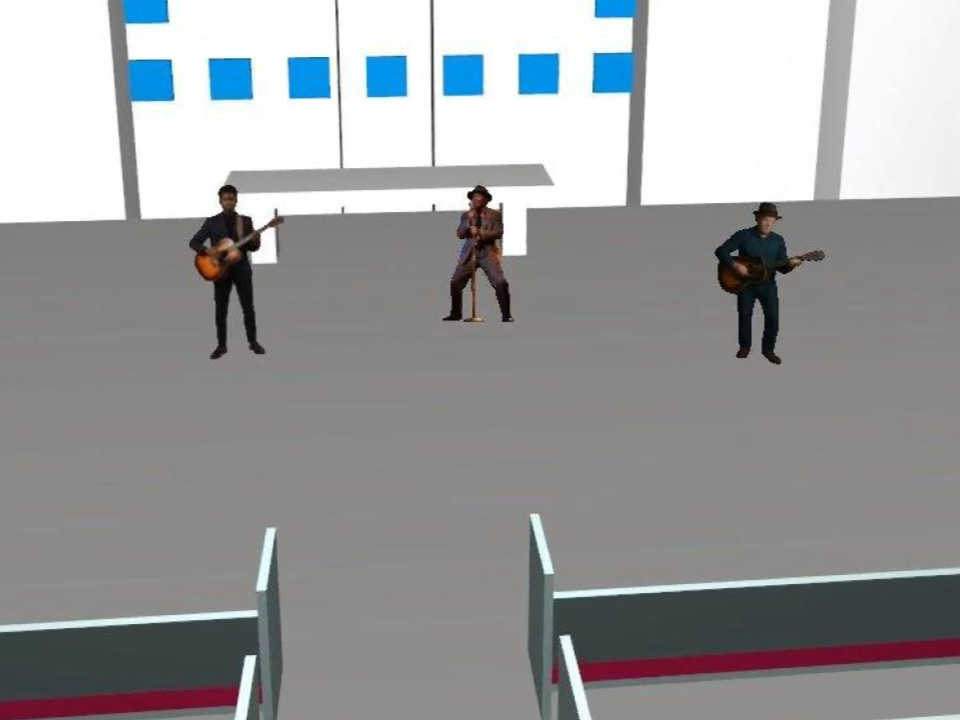
“Movie auralisation”, available in ODEON Auditorium and Combined, computes an auralisation while moving through the room in a fixed path defined by the user. The experience is then exported into an MP4 video file that can be shared with anyone. Watch the video tutorial.
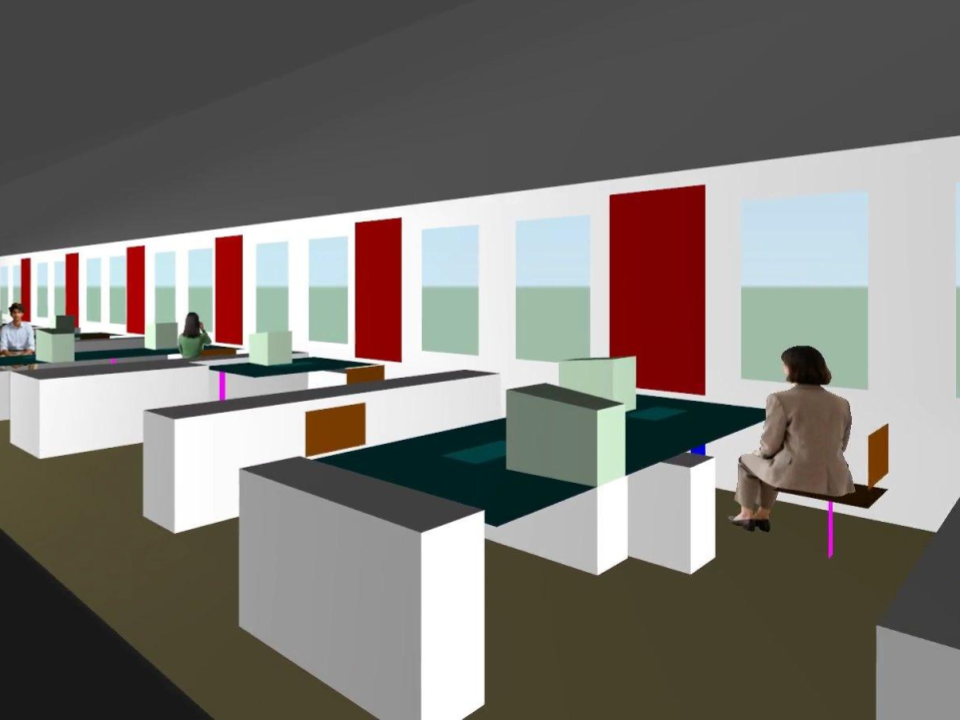
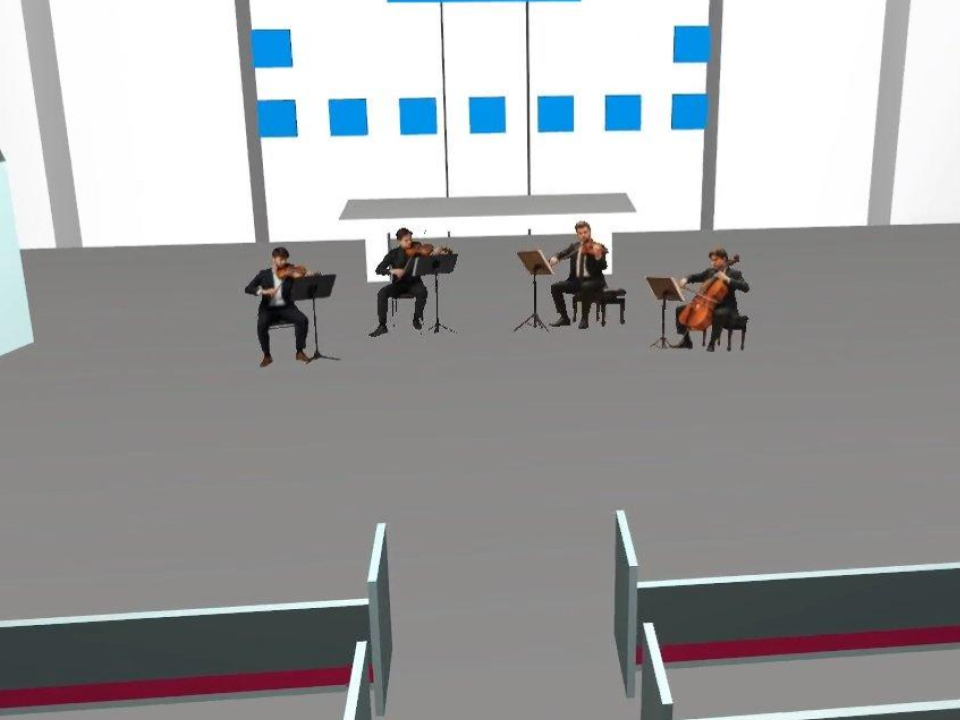
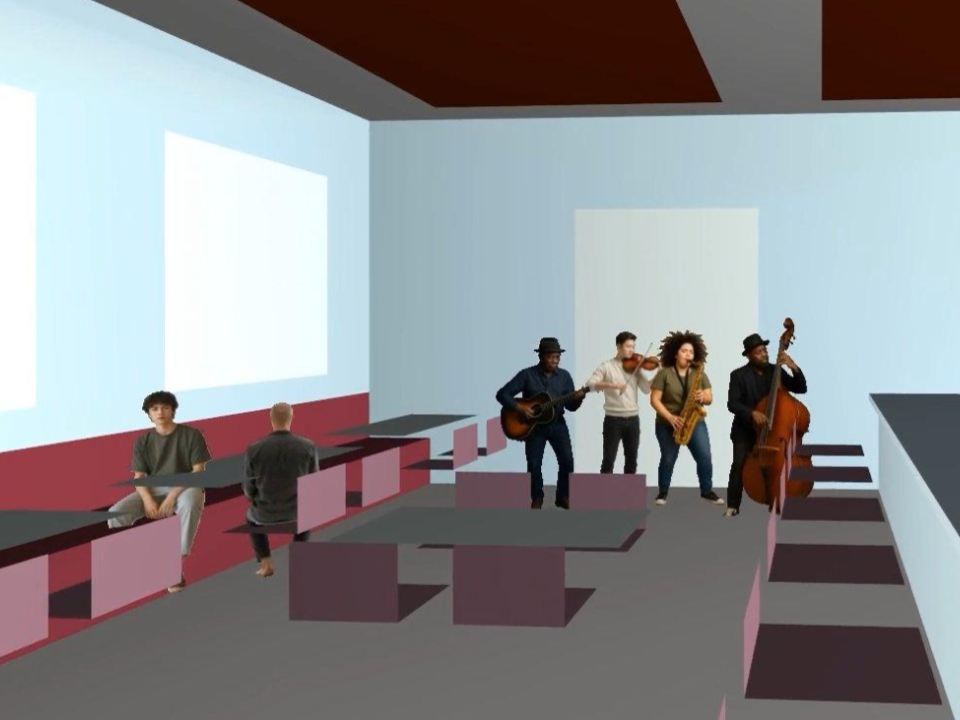
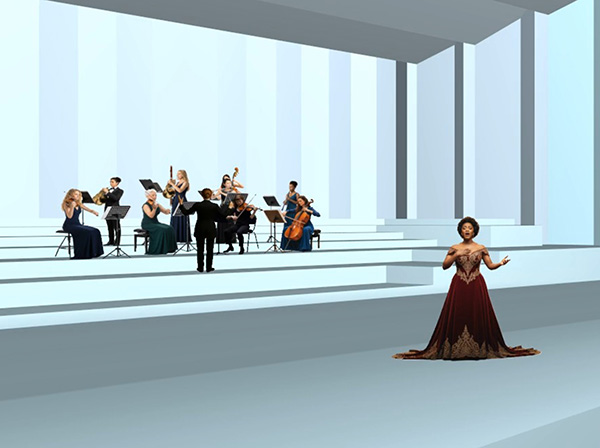
Below are some examples of movie auralisations created in ODEON, which also make use of assets for a more realistic look.
At the bottom of the page, there are also download links for ODEON Zip Archives containing the room models that produced these examples.
Make sure to listen with headphones! 

To unzip an ODEON Zip Archive:
- Launch ODEON
- Go to File > Zip > Unzip archive
- Select your downloaded ODEON Zip Archive
- Select a folder to extract the files
ODEON will then automatically load the room.
Some Zip Archives will contain an AudioFX batch file (.afx) to generate extra audio files from the downloaded ones. If using ODEON 16.08 or newer, this batch file will be run automatically. Otherwise, it must be run manually by going to the Tools menu > Audio FX > Open batch file.
To review anechoic recording license information, press  in the top icon bar.
